Manage appointments anywhere with the TIMIFY Mobile app

Updated: Published:
See how TIMIFY Mobile helps business owners and employees manage appointments, team schedules and customer information on the go across Android and iOS.

Konstantin Belev
CRM Manager at TIMIFY
Keep your schedule and your team’s agenda within reach

When you are away from your computer, waiting until you return to your desk can slow down simple decisions.
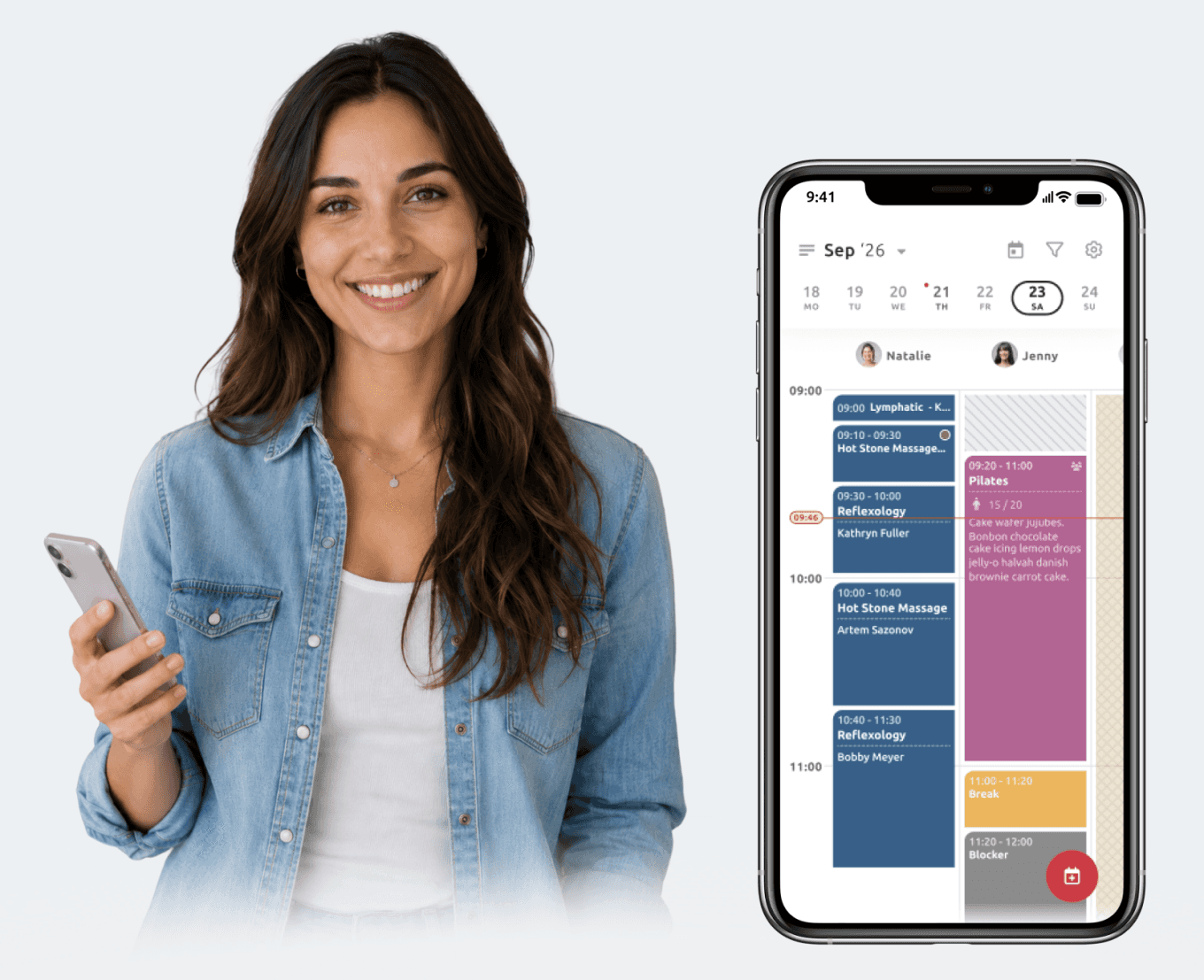
TIMIFY Mobile gives you access to a mobile-friendly daily calendar to view and manage resource schedules. You can check your own appointments, review the agenda of your wider team and use calendar filters to focus on the resources that matter at that moment.
That can help when you need to:
- Check availability while speaking to a customer
- Review the appointments assigned to a particular employee
- Add a new booking while away from reception
- Make a last-minute change to the working day
- Confirm when a resource is free
- Move between different calendars without opening a laptop
The app is particularly useful for teams that are rarely in one place all day. Field teams, consultants, beauty and wellness professionals, healthcare providers, trainers and multi-location managers can all keep their schedules close without depending on a fixed workstation.
Respond faster with mobile push notifications
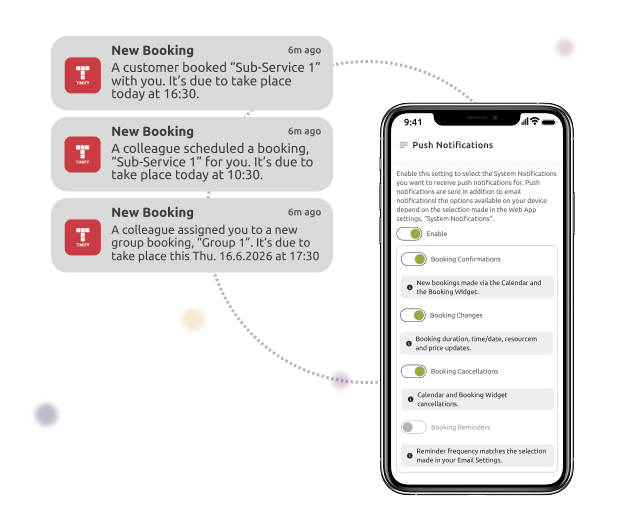
A booking change can affect more than one person. When an appointment is created, moved or cancelled, the assigned employee may need to react quickly.
TIMIFY Mobile can send push notifications to the relevant resource, helping employees stay informed without having to repeatedly open their calendar or check their inbox.
For example, an employee travelling to their next appointment could see that a customer has rescheduled. A manager could be alerted to a new booking while moving between branches. A team member could receive an update when another authorised resource creates a booking for them.
Push notifications work alongside the corresponding email-notification settings. They are available to the assigned resource and are currently provided in English. The TIMIFY push-notification guide explains how to enable the feature and select the booking events you want to be notified about.
Manage shifts and availability when plans change

Not every schedule change begins with a customer booking.
Employees become unavailable. Shifts change. Sick days need to be recorded. Booking availability may need to be adjusted before customers select time slots that can no longer be covered.
The TIMIFY Mobile Shift Planner allows authorised users to manage shifts, individual booking availability, sick days and related schedule information directly from the app.
Imagine that an employee calls in sick early in the morning. Instead of waiting until a manager reaches their computer, the schedule can be reviewed and availability updated from a phone. The manager can then assess the affected bookings and decide how to redistribute the workload.
Users with access to more than one TIMIFY account can also switch between calendars from the mobile app. Managed accounts can be reviewed or unlinked, and authorised users can update login credentials while on the move.
This can be especially helpful for managers overseeing several teams, branches or business accounts.
Sign in quickly with biometric login
Opening a business app several times throughout the day should not require repeatedly typing a password.
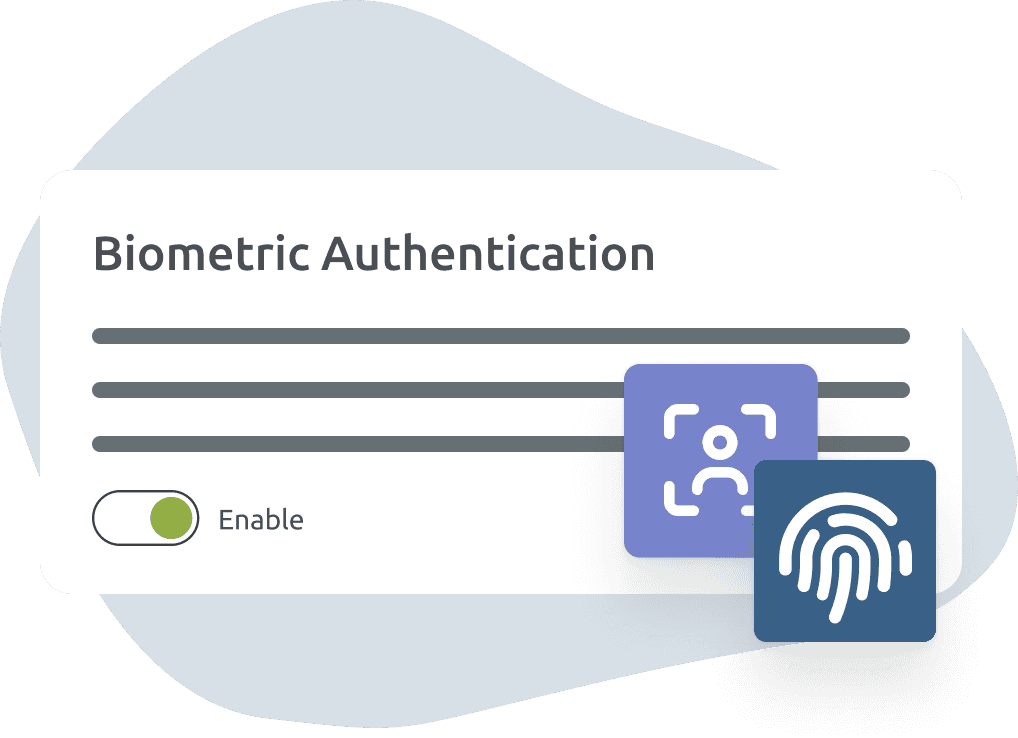
On supported Android and iOS devices, TIMIFY Mobile allows users to log in with facial or fingerprint recognition. This reduces friction when an employee needs to check an appointment quickly while still using the authentication technology available on their device.
The feature can be activated from Settings → Security inside the mobile app.
For step-by-step instructions, visit the biometric login support guide.
Biometric login is particularly convenient for employees who open the app regularly during a shift, for example, to check their next appointment, review a customer record or confirm a schedule change.
Keep mobile, web and desktop workflows connected
The mobile app does not need to become a separate scheduling system.
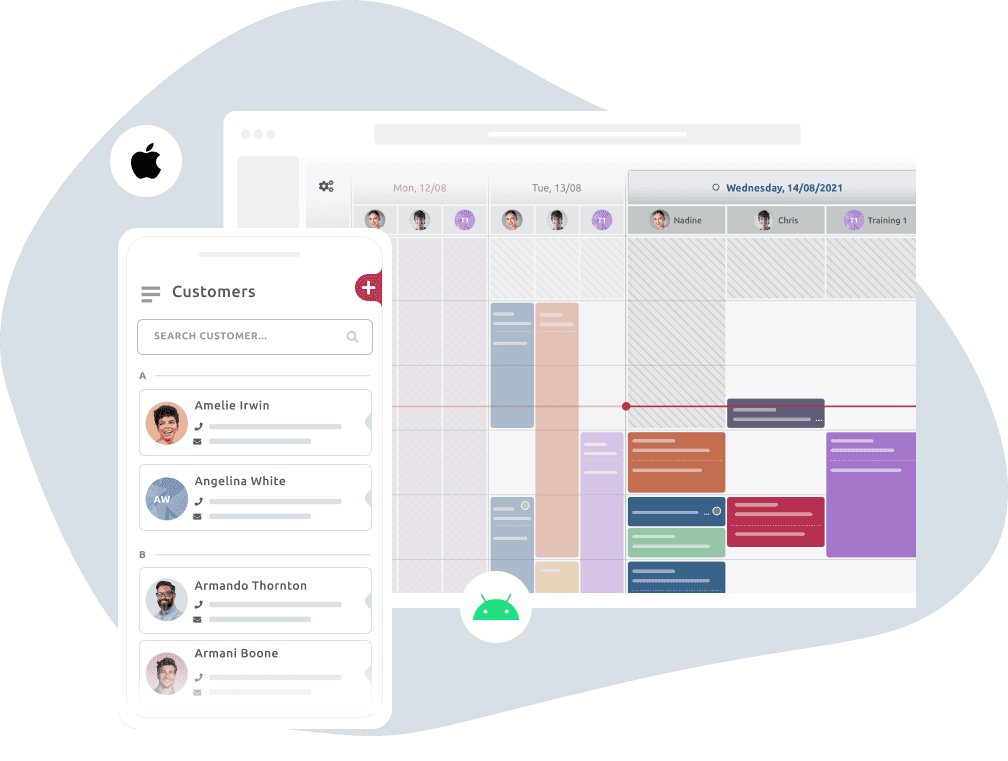
TIMIFY synchronises booking and customer information across its mobile, web and desktop environments. A booking created by the office team can appear in the assigned employee’s mobile calendar, while an authorised change made from a phone can be reflected for colleagues using TIMIFY elsewhere.
This helps teams avoid switching between disconnected calendars or relying on messages to communicate every small change.
The practical benefit is simple: each authorised user can access the working day from the device that best suits their current task.
Put your working day in your pocket
TIMIFY Mobile gives business owners, managers and employees a practical way to stay connected to appointments when they are away from a computer.
Your team can:
- Review individual and team calendars
- Respond to booking changes
- Access customer information
- Manage shifts and availability
- Switch between authorised accounts
- Sign in using supported biometric authentication
- Keep changes synchronised across devices
Most importantly, the app gives the people responsible for delivering and managing appointments access to the information they need.
It is not another booking app for your customers. It is the mobile extension of your team’s TIMIFY workspace.
Download or update TIMIFY Mobile today:

Already using the app? Update to the latest version and encourage authorised employees to review their push-notification and biometric-login settings.
