Product & Feature
Safe, convenient in-person services with TIMIFY virtual queue management

Updated: Published:
A new TIMIFY application dedicated to virtual queue management for drop-in customers booking appointments in a convenient, socially distanced manner


TIMIFY
TIMIFY is an appointment scheduling and resource management software for teams and enterprises
TIMIFY's booking solution already helps businesses bring together in-person, phone and online bookings. With TIMIFY Smart Serve, teams can also manage appointments, walk-ins and customer arrivals in one connected queue management system.
Walk-in services remain important across many industries. That makes it essential to have a solution that brings scheduled appointments and spontaneous visits into the same real-time service flow.
Smart Serve helps reduce crowded waiting areas, improve customer flow and give teams more control throughout the day. Instead of relying on paper lists, verbal updates or disconnected tools, staff can manage live queues, check-ins, digital tickets, resources and customer updates from one central view.
Let's take a closer look at how TIMIFY Smart Serve supports modern service environments with a more transparent, efficient and customer-friendly queue management experience.
What is a queue management software?
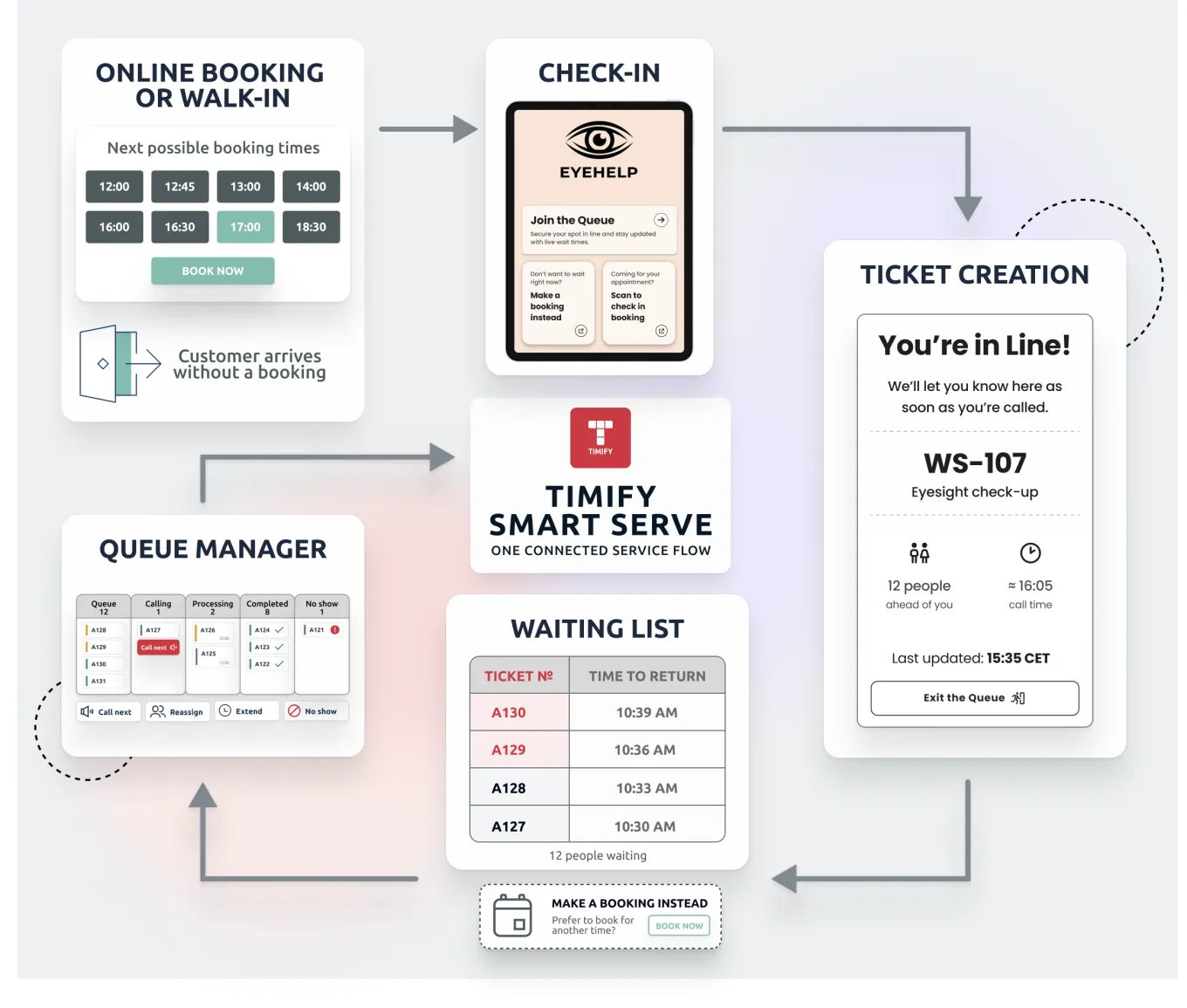
Queue management software helps businesses manage customer queues, appointments, walk-ins and service availability in a structured, digital way. Instead of treating the schedule as a fixed plan, TIMIFY Smart Serve turns appointments and walk-ins into a live service flow that can adapt as the day changes.
Customers can check in, join a digital queue, receive a ticket and stay informed about their queue status. At the same time, staff can see who is waiting, who is being called, who is in service and which tickets need attention. This real-time queue management system helps businesses improve service delivery, reduce pressure in waiting areas, make better use of staff and create a smoother customer experience.
What are the benefits?
Appointment queue management software offers clear advantages for both businesses and customers, especially in busy service environments where planned appointments and walk-ins need to be managed together. Here are the key benefits:
- Manage scheduled appointments and walk-ins in one live queue, so teams can stay in control when daily service demand changes.
- Reduce congestion and pressure on reception staff by replacing manual lists, verbal updates and disconnected tools with one real-time queue management system.
- Support customer check-in for booked appointments and walk-in visits, helping teams handle arrivals consistently across services and locations.
- Give customers simple ways to join the queue, including QR codes, kiosk check-in or staff-assisted entry.
- Keep customers informed with digital tickets, queue status updates, waiting-room displays and mobile ticket pages.
- Give staff a live queue view where they can call the next customer, mark no-shows, adjust service duration, reassign resources and track ticket status from queue to completion.
- Improve operational visibility by connecting appointment scheduling, staff availability, resource allocation and real-time service flow in one system.
How do customers use Smart Serve?
The strength of TIMIFY Smart Serve is that it makes customer arrival simple while giving staff more control behind the scenes. From the moment customers arrive, the process is designed to support a clear, flexible and well-managed service journey. Here's how it works in real life:
Appointments Become Live Tickets
The customer arrives at your location, whether it is a retail store, bank branch, government office, medical practice or service desk.
If they already have an appointment, they can check in on-site and their booking becomes an active queue ticket in the live service flow.
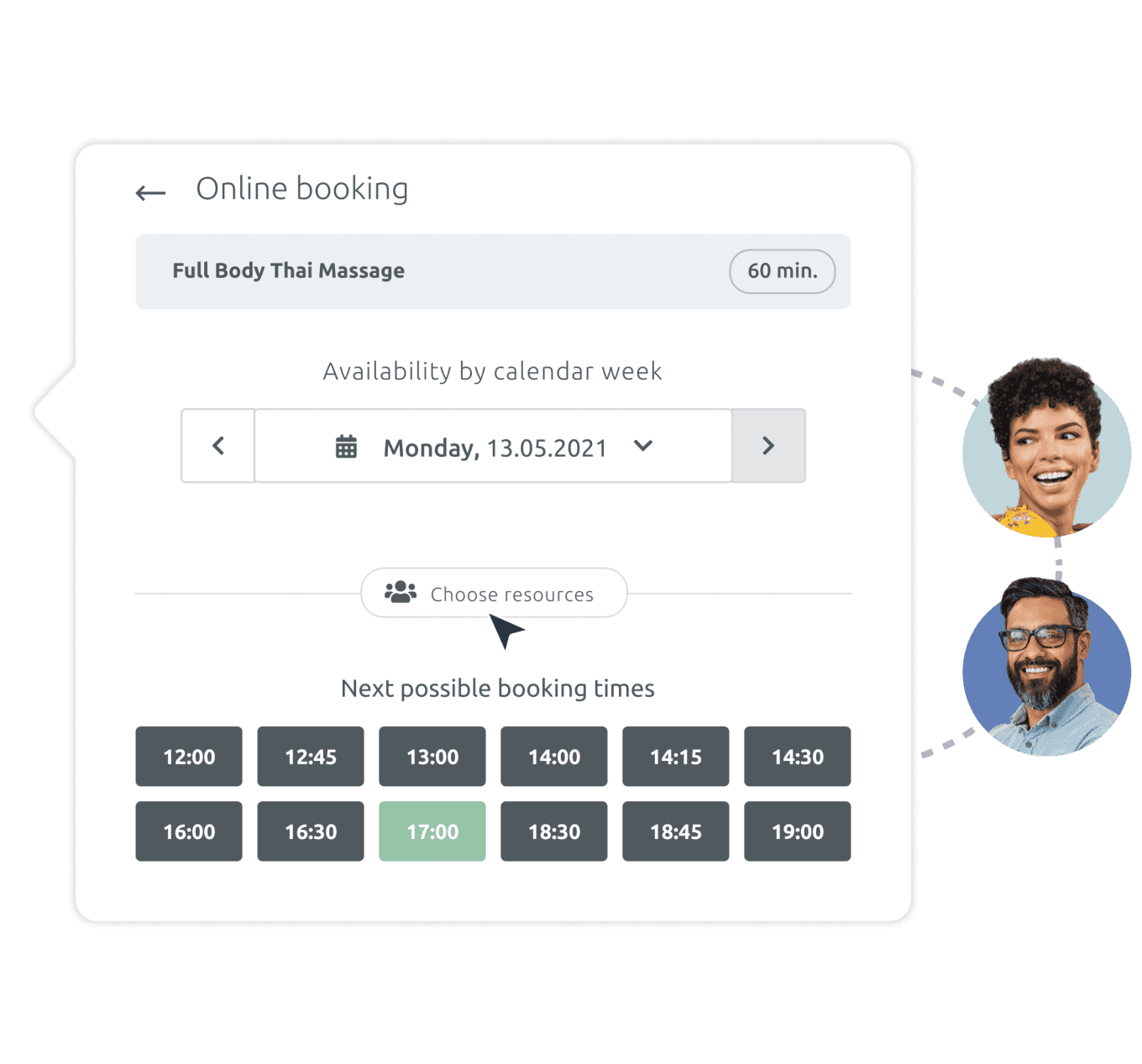
Walk-Ins Join the Same Service Flow
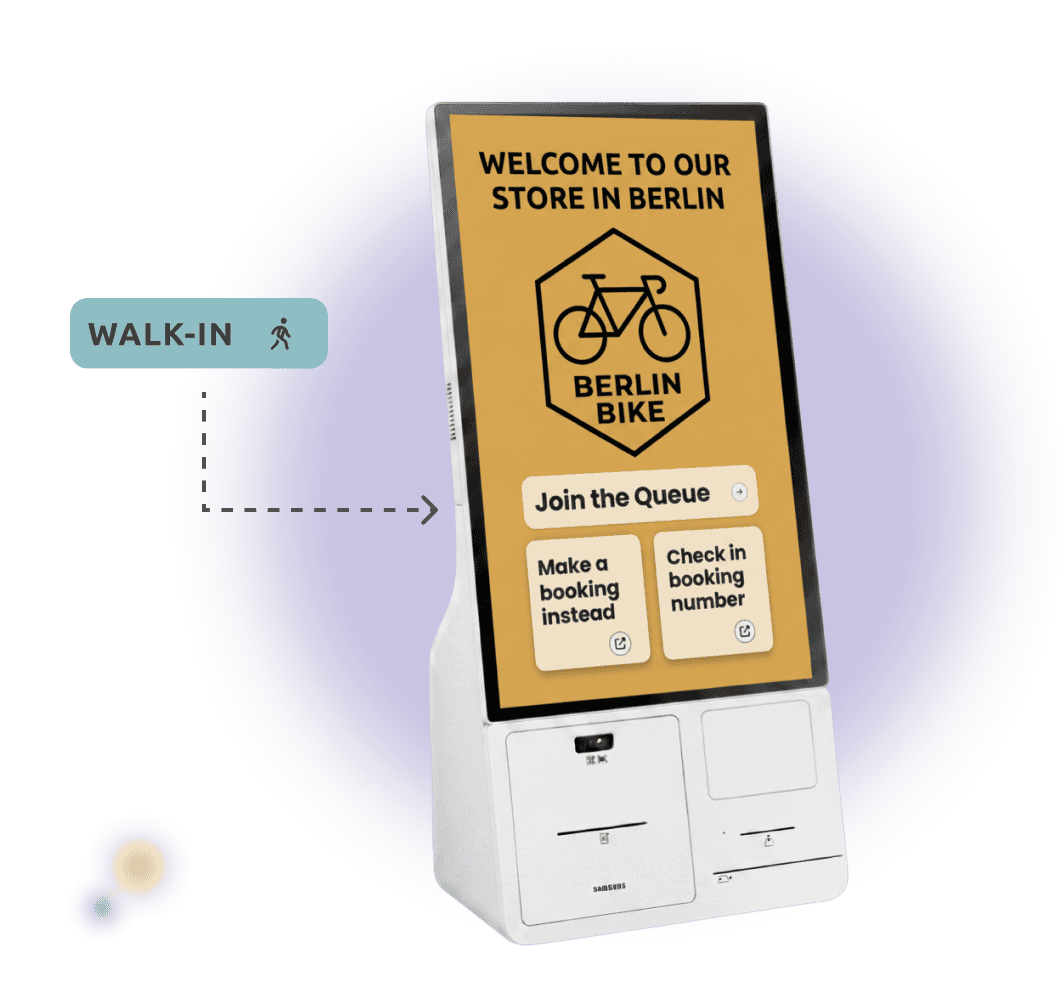
If they arrive without an appointment, they can join the queue through a QR code, kiosk check-in or staff-assisted flow.
By self service: At a kiosk or tablet the customer scans their QR or taps "Join the queue". In concierge mode: an associate greets them and creates the ticket. Either way, the booking becomes a live queue ticket.
Smart Serve Updates Every Touchpoint
Queue changes are reflected instantly across mobile tickets, waiting-room displays, kiosk views and staff dashboards. Customers always see the latest status, whether they are waiting nearby or following the queue on their phone.
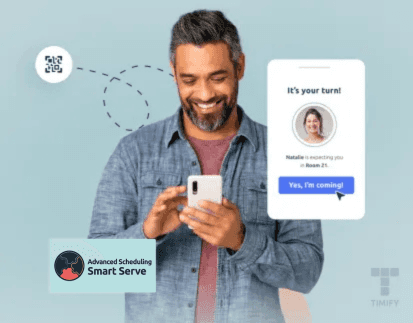
When they are called, the mobile ticket shows what to do next, from returning in time to leaving the queue or booking a later appointment instead.

Staff Manage the Queue in Real Time
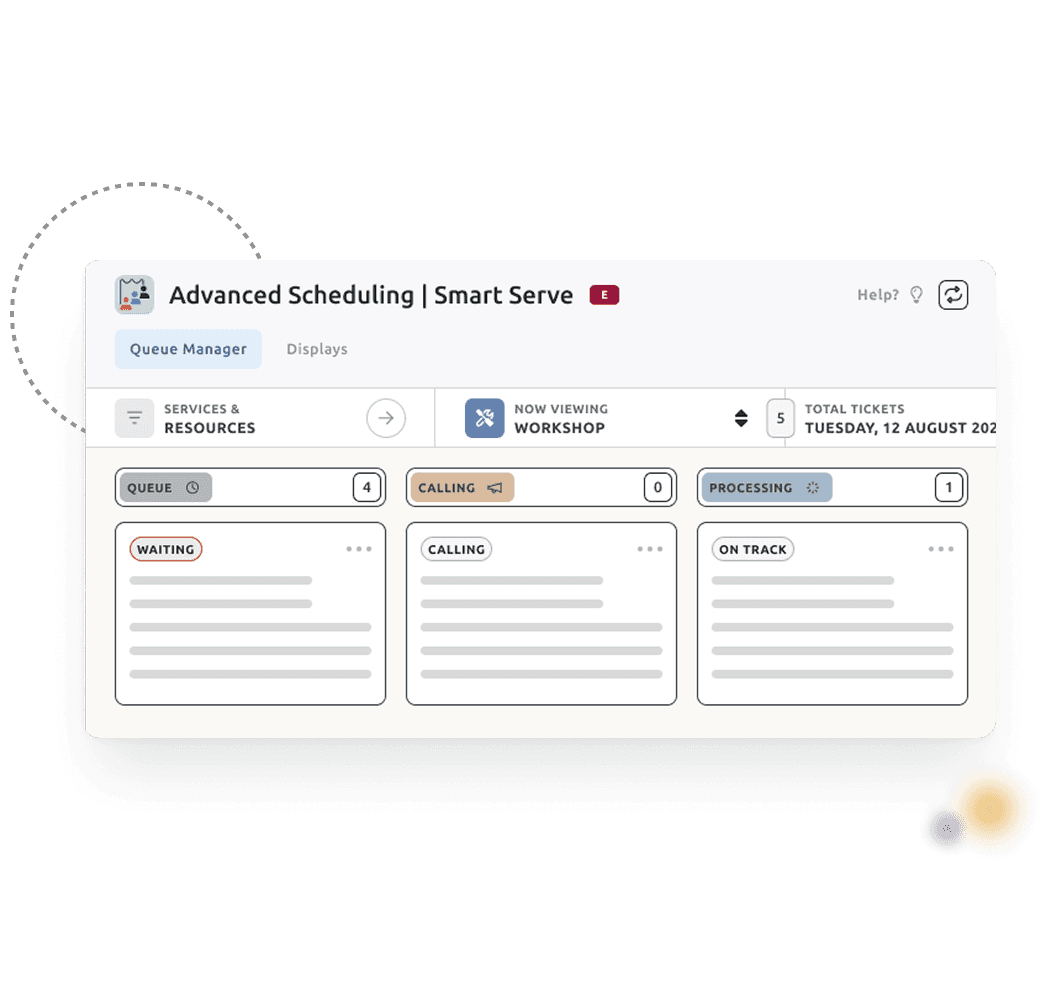
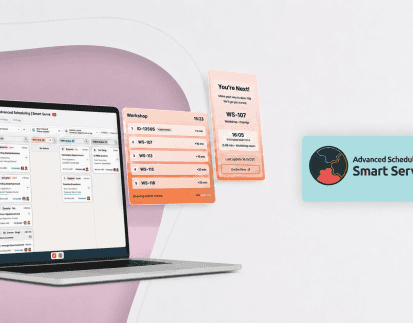
The Queue Manager gives staff one live board for bookings, walk-ins, check-ins, resources and ticket status. Teams can call customers, move tickets through the flow, add time, reassign resources or mark no-shows, all from one workspace.
Every action updates the queue in real time and records what actually happened, from no-shows to actual service duration. This keeps the service day clear, controlled and easier to improve over time.
To find out more visit our website: TIMIFY Smart Serve Queue Management Software

Related articles
Product & Feature
Virtual queue management with the TIMIFY Smart Serve App

01 December, 2021

Tips & Resources
Queue Management Systems (QMS) 101: How to Control The Flow of Waiting Lines Effectively

15 June, 2022
Tips & Resources
5 Steps to Effectively Manage Queues as a Service Business

19 September, 2023